Bleuwiches Menu & Self-Order Experience
Using print, QR, Toast POS, and menu clarity to make ordering easier
At Bleuwiches, I treated the menu as more than a list of items. It became part of a broader customer experience system that connected printed materials, QR touchpoints, Toast POS, and self-order flows. The goal was simple: make ordering clearer, faster, and more intuitive for first-time customers.
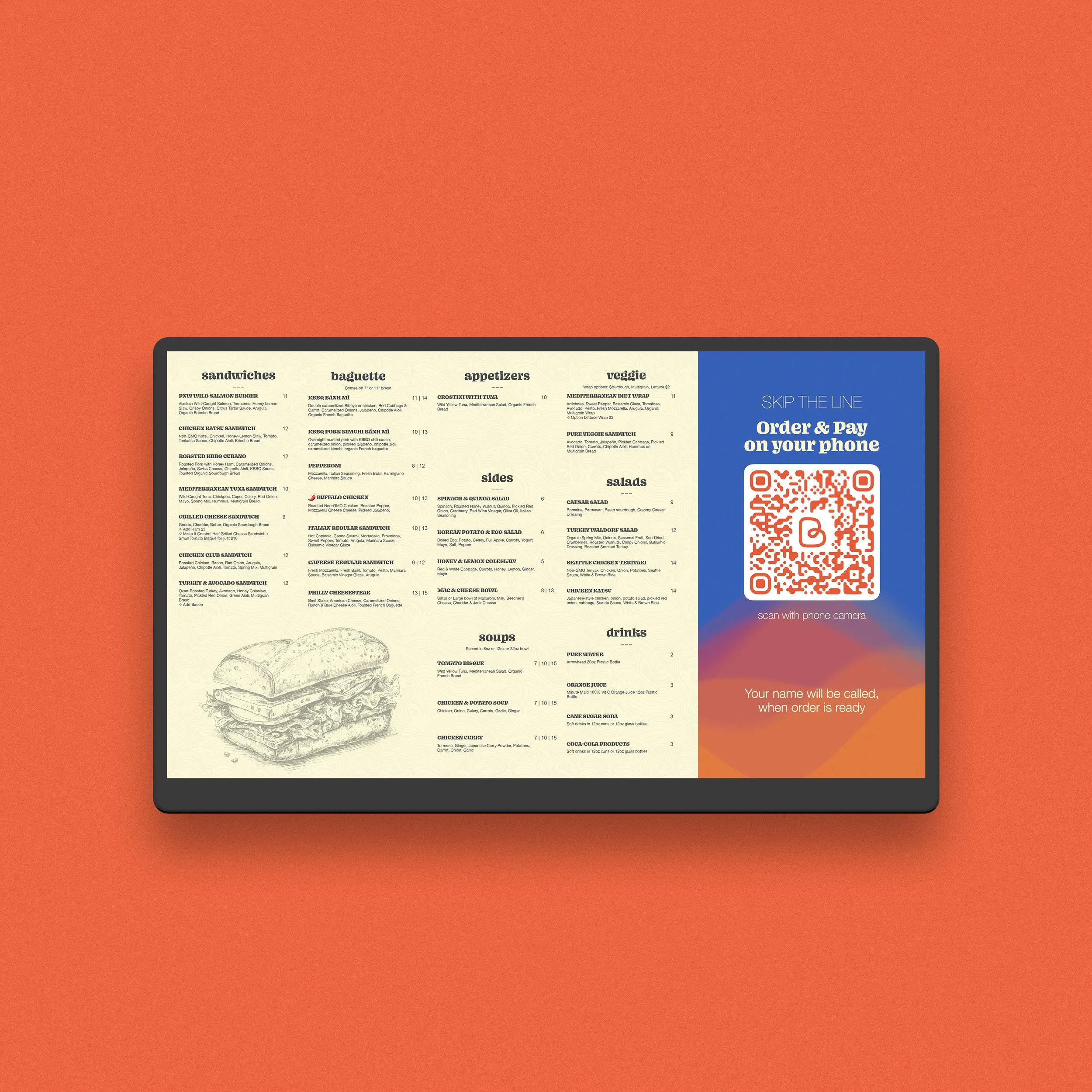
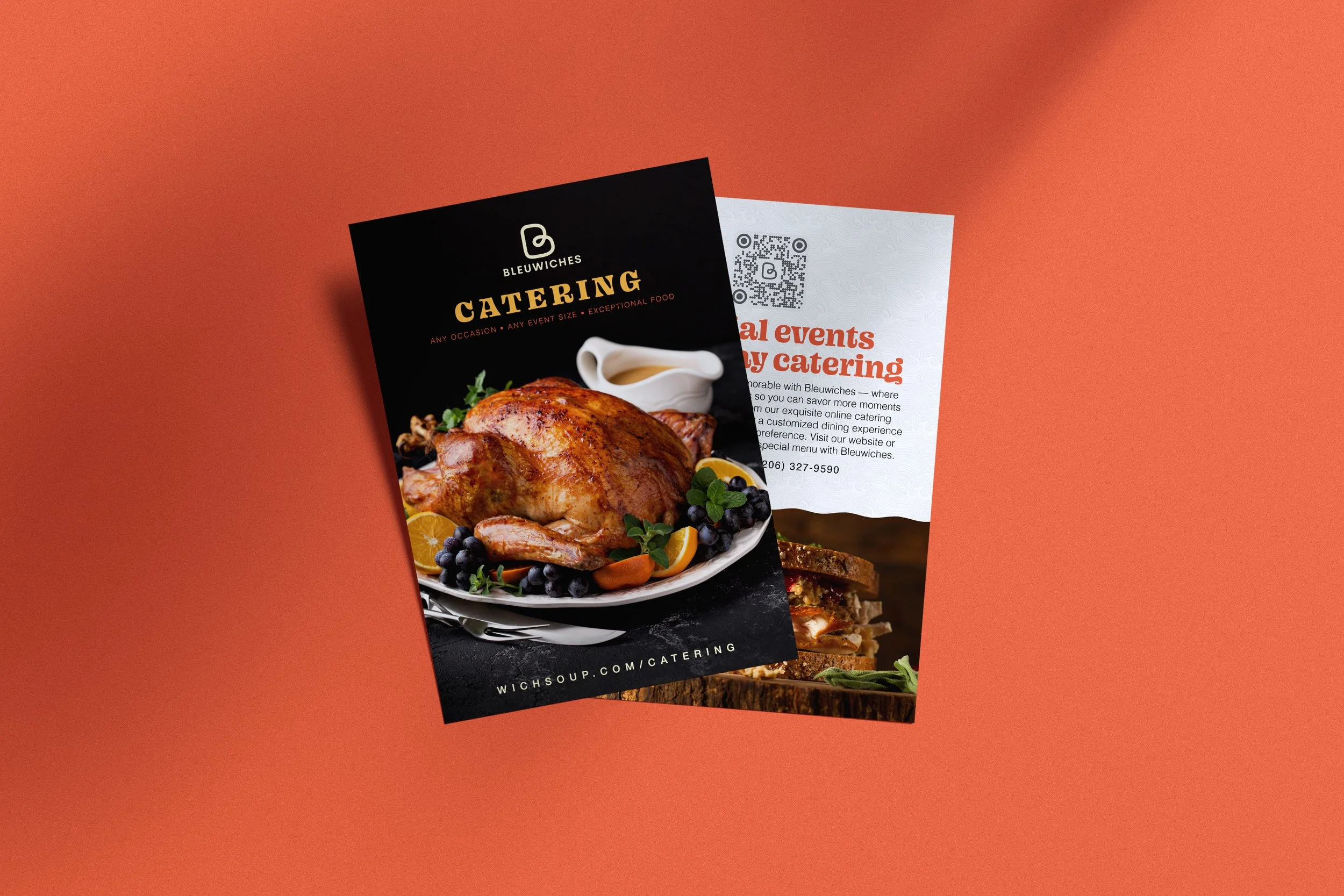
Printed Menu
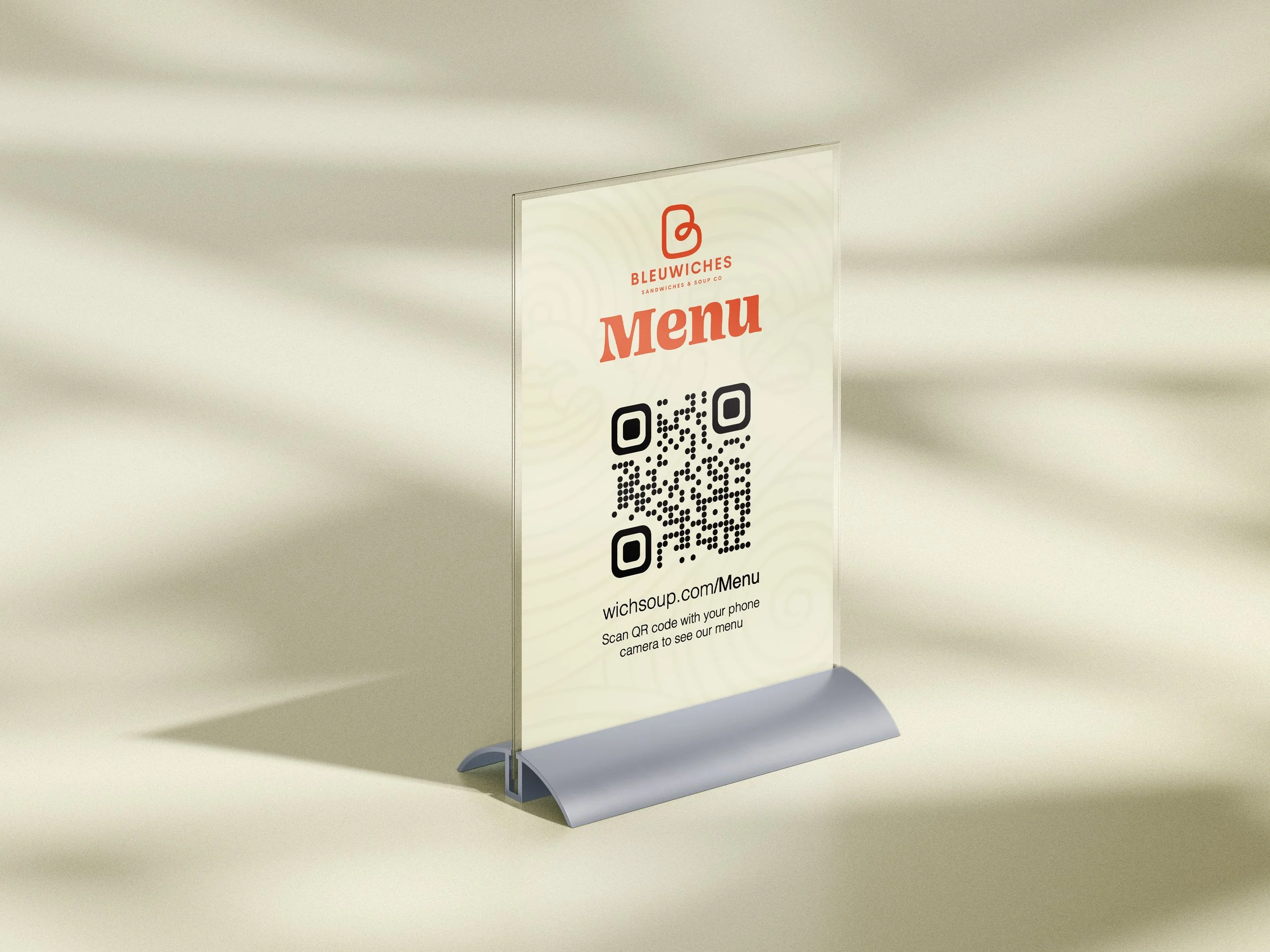
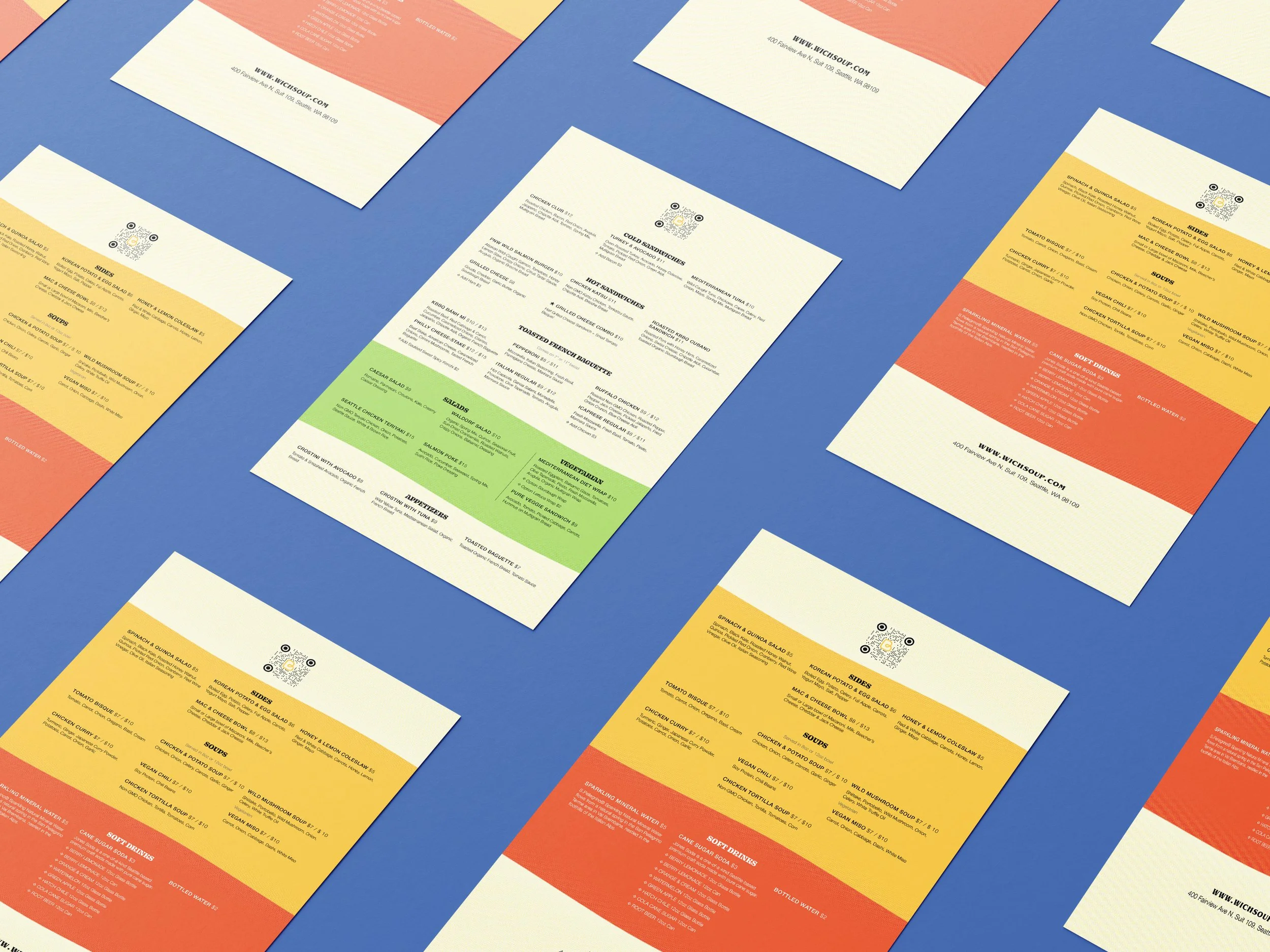
I designed printed menu materials to work as a quick entry point for customers in the physical space, but I did not want print to be the final destination.
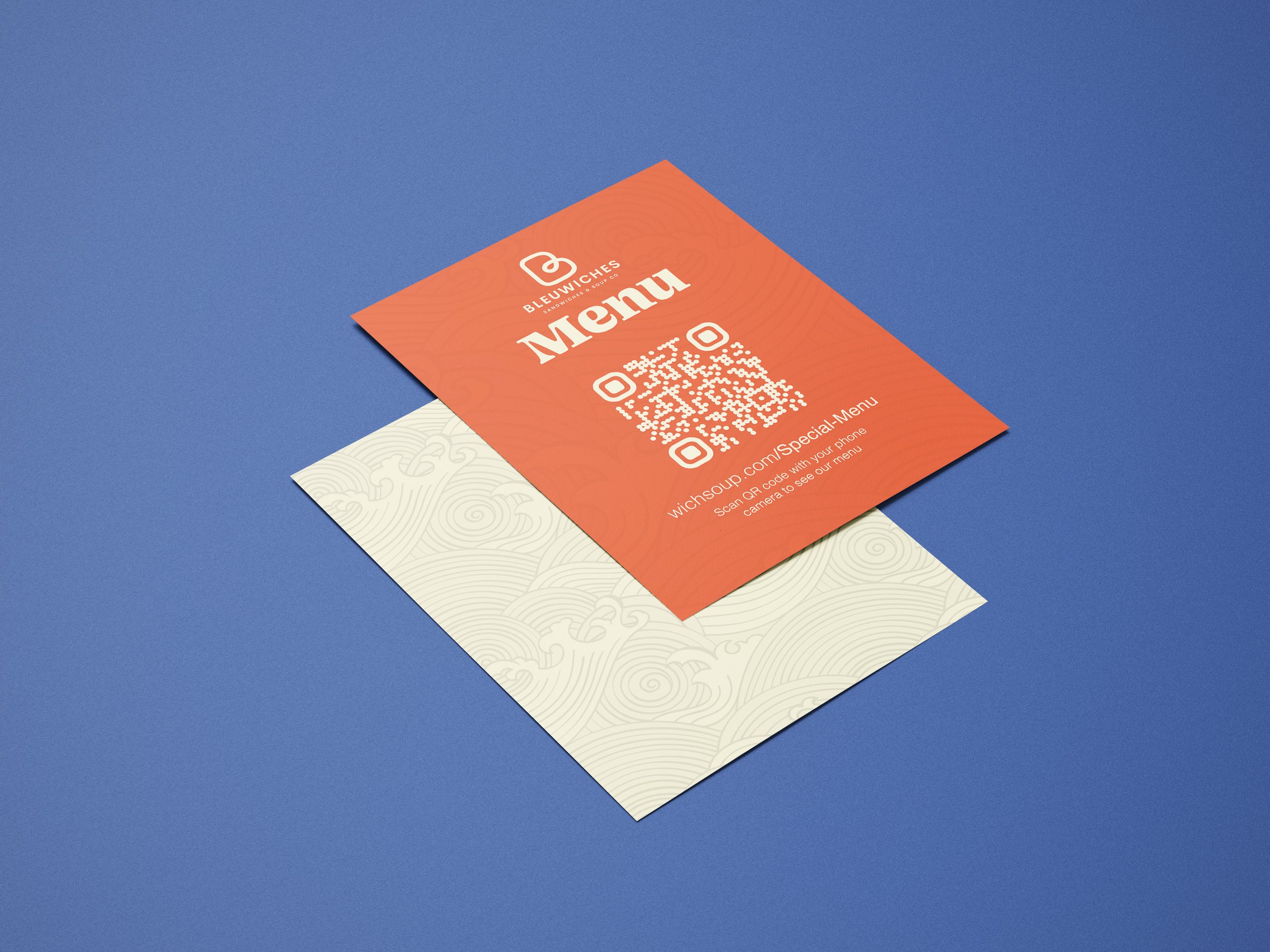
QR Bridge
QR cards helped bridge the restaurant’s physical environment with its digital ordering system, giving customers a faster way to browse the menu on their phones and move toward action without extra friction.
Toast POS & Self-Order
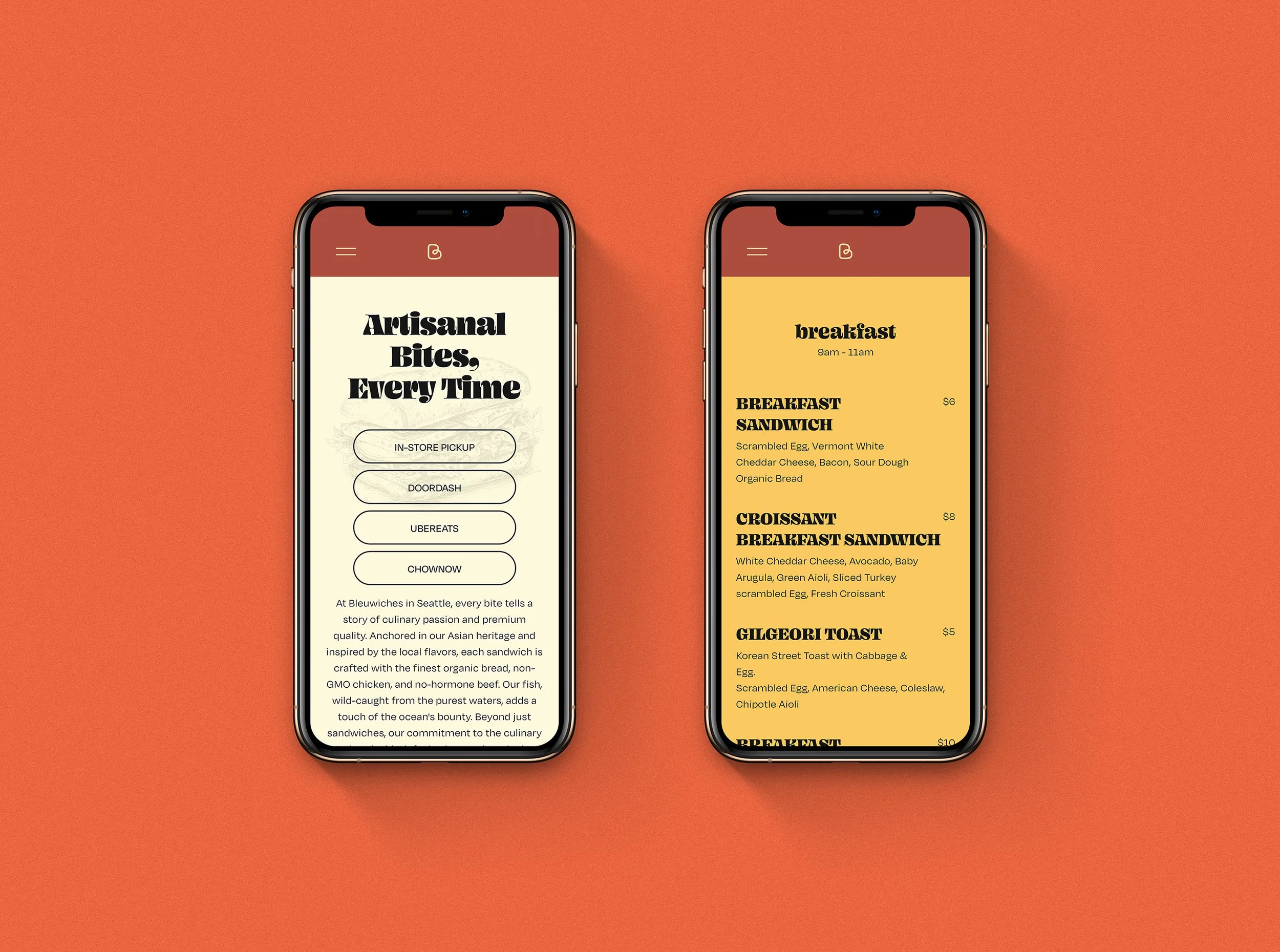
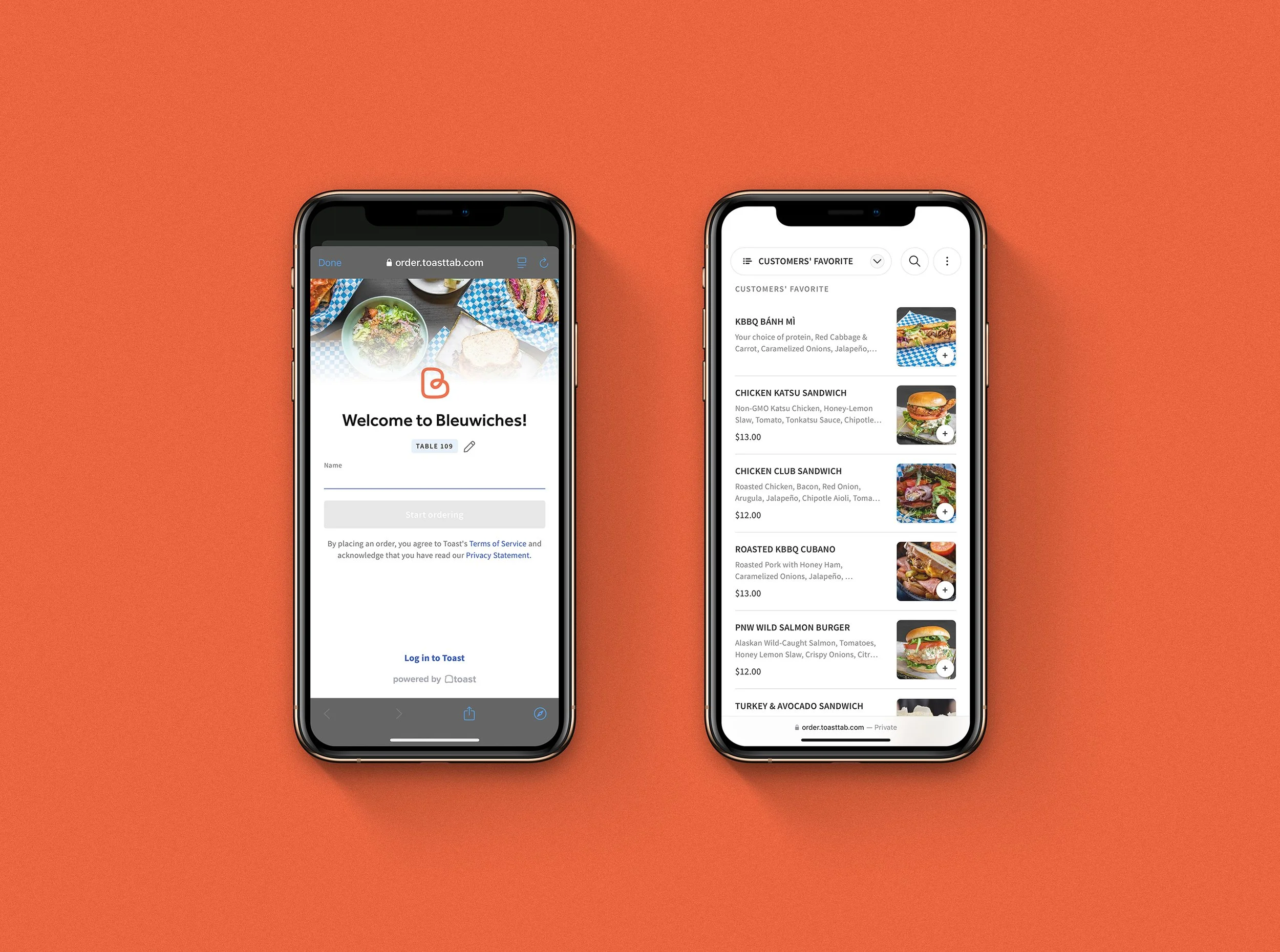
I configured Toast POS as more than a checkout tool. It became part of the customer-facing experience, allowing Bleuwiches to present menu items more clearly, switch breakfast and lunch visibility by schedule, and support self-order flows from customers’ own phones. This helped reduce line pressure and gave the restaurant a more modern ordering path.
Menu Tags for Faster Decisions
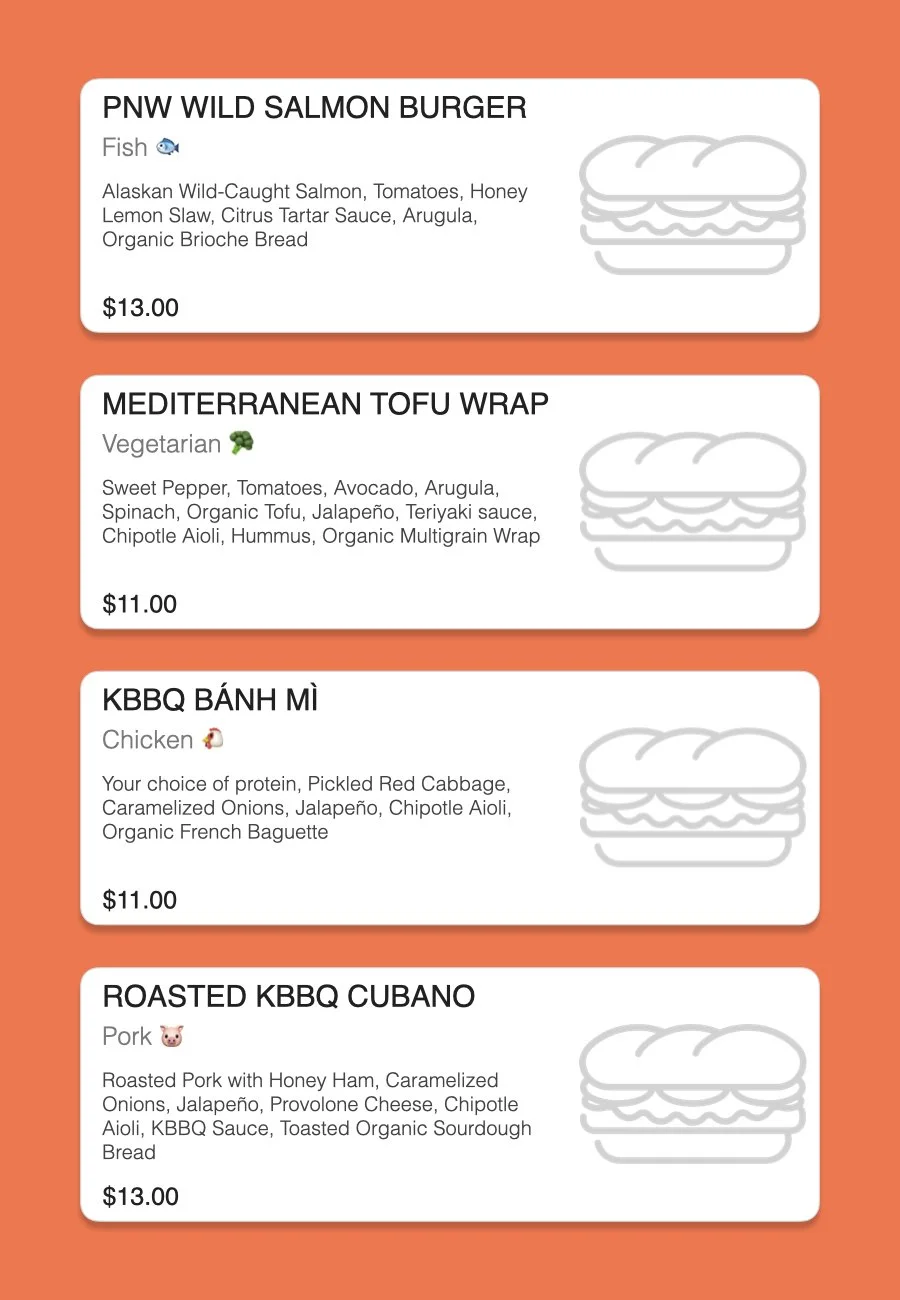
When I built the digital menu in Toast POS, I added simple ingredient and protein tags such as Beef 🐮, Chicken 🐔, Fish 🐟, Pork 🐷, Turkey 🦃, Vegan 🥦, and Vegetarian 🥑 to help customers understand each item more quickly.
This was especially useful because some dishes had names that were less familiar to first-time visitors. Instead of forcing people to read every ingredient line in detail, the tags gave them an instant sense of what to expect.
In a diverse city like Seattle, that kind of clarity becomes part of customer experience, not just menu styling.
-
Item description